Your whole crew shoots job photos. Pay once
Text a link to any sub or crew member — they tap it and the camera opens. No app, no login, no per-seat fee. Every photo is GPS- and time-stamped and rolls up into one shareable proof report.
Unlimited shooters, free. Only you pay.
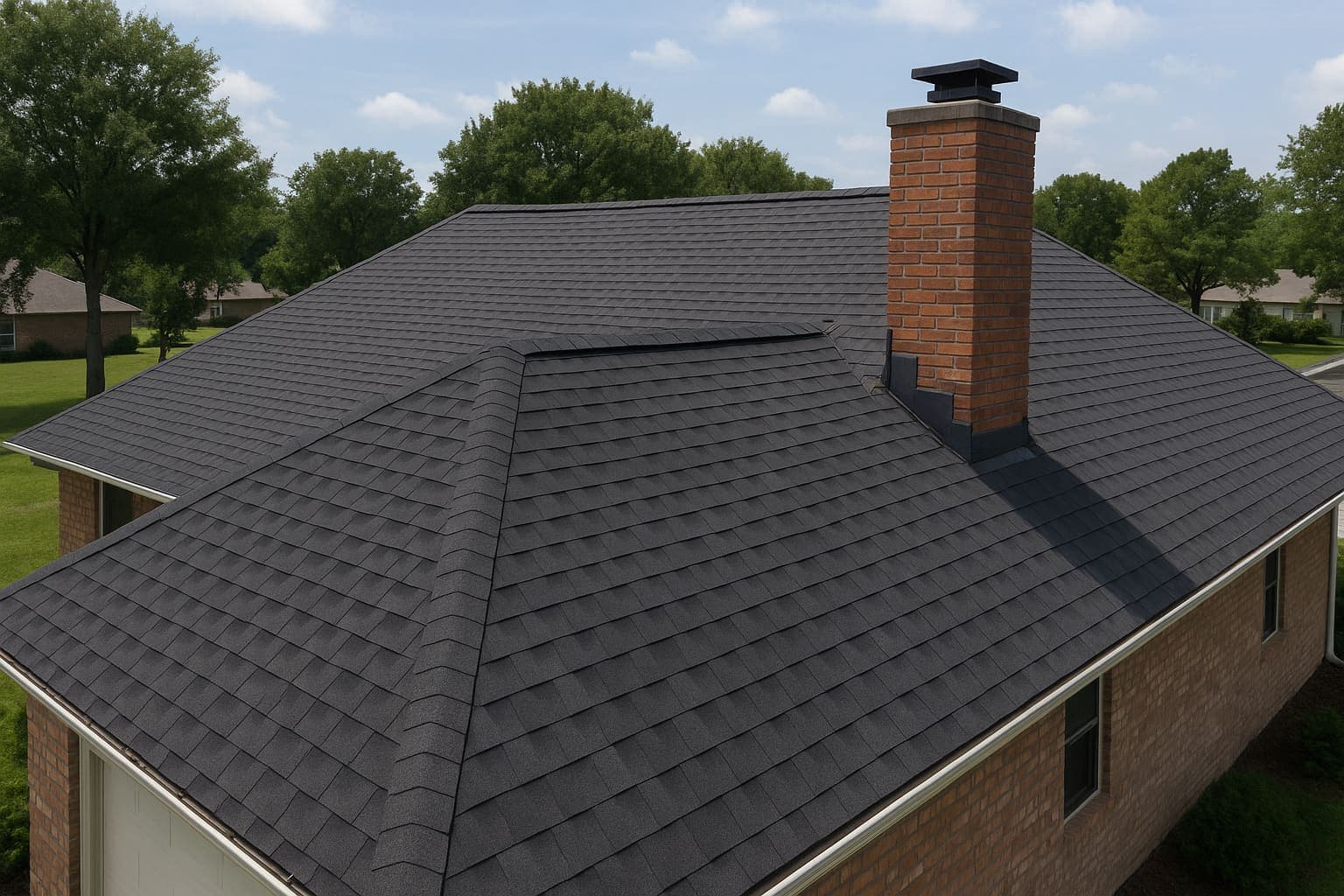
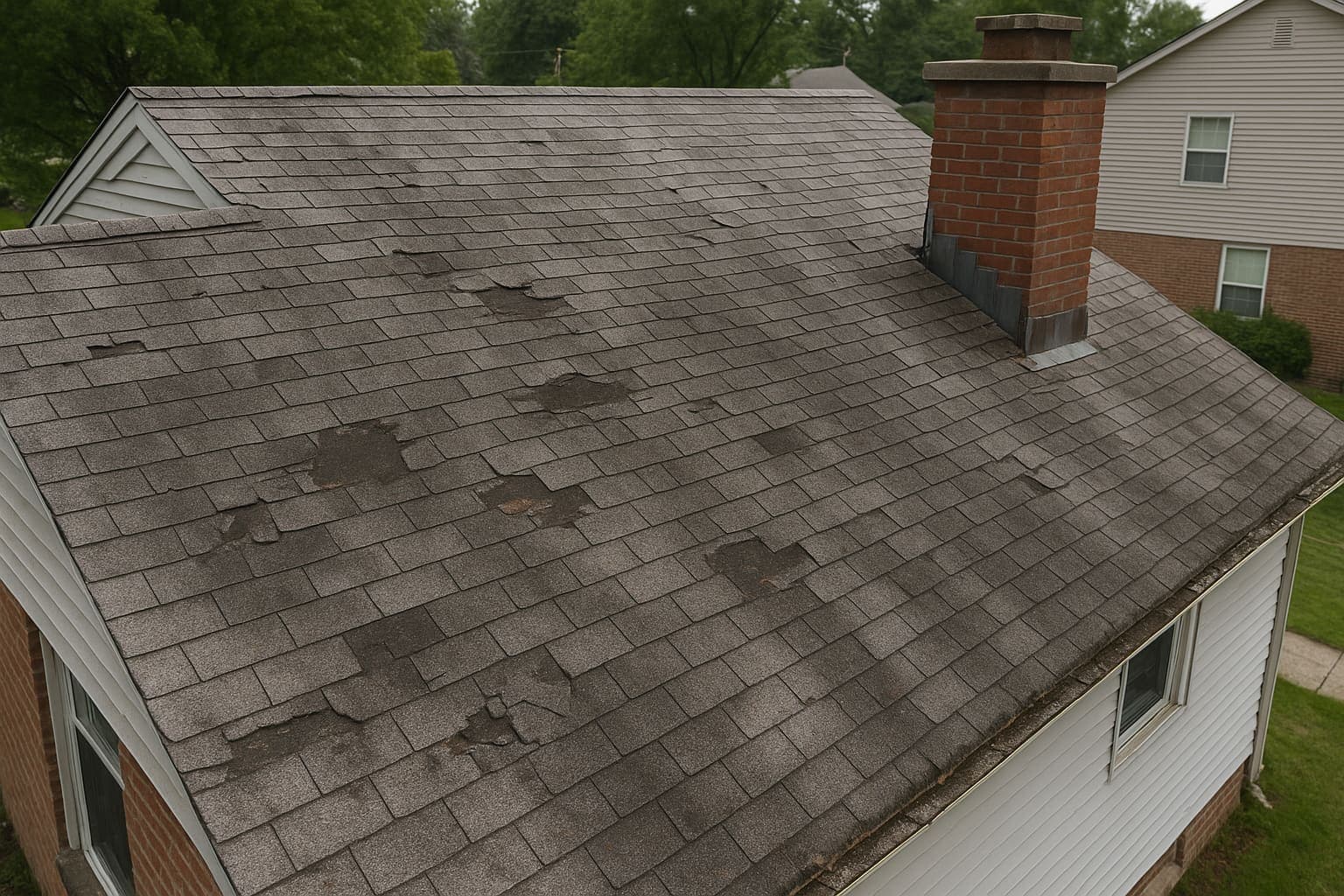 BEFORENORTH SLOPE
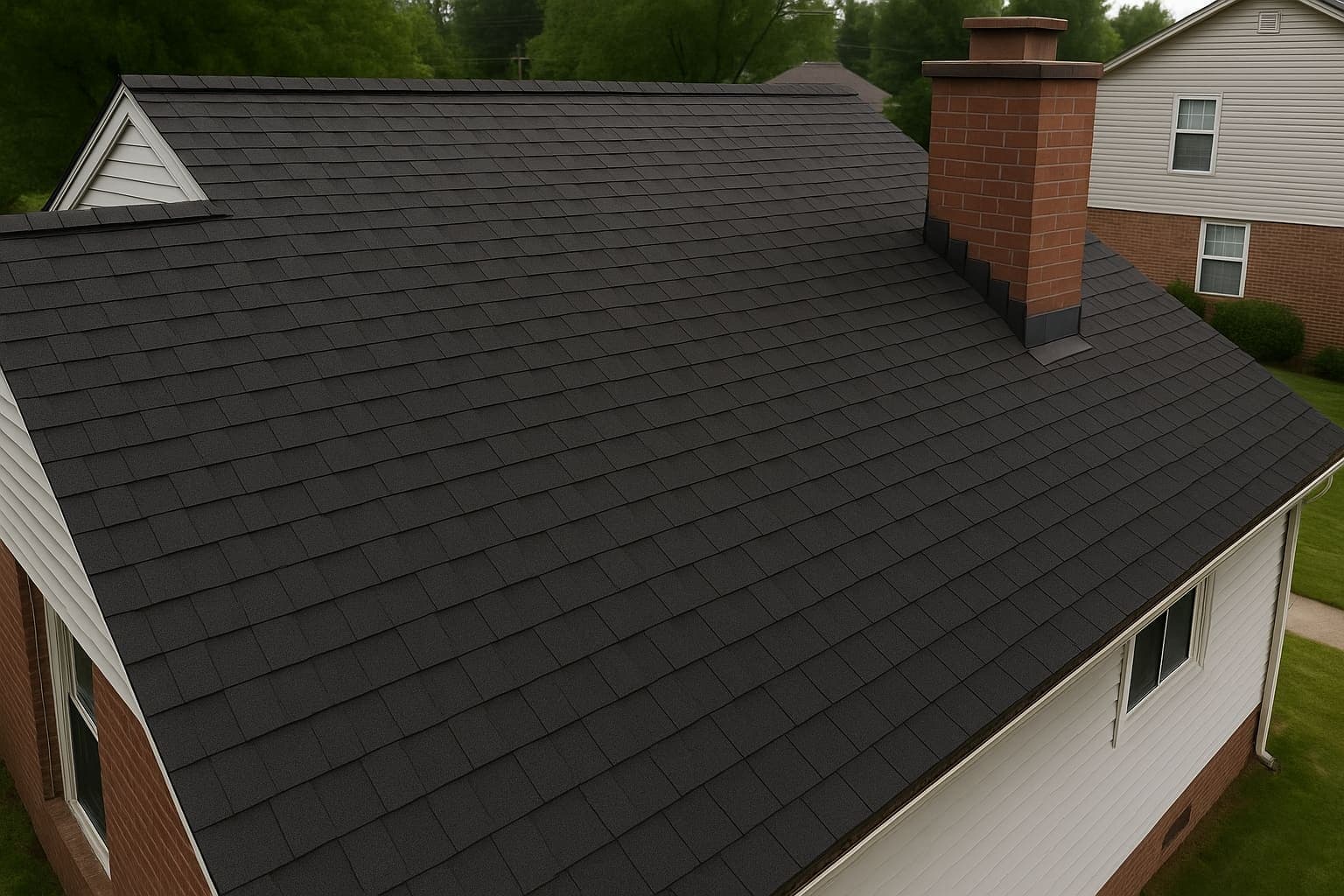 AFTERNORTH SLOPE
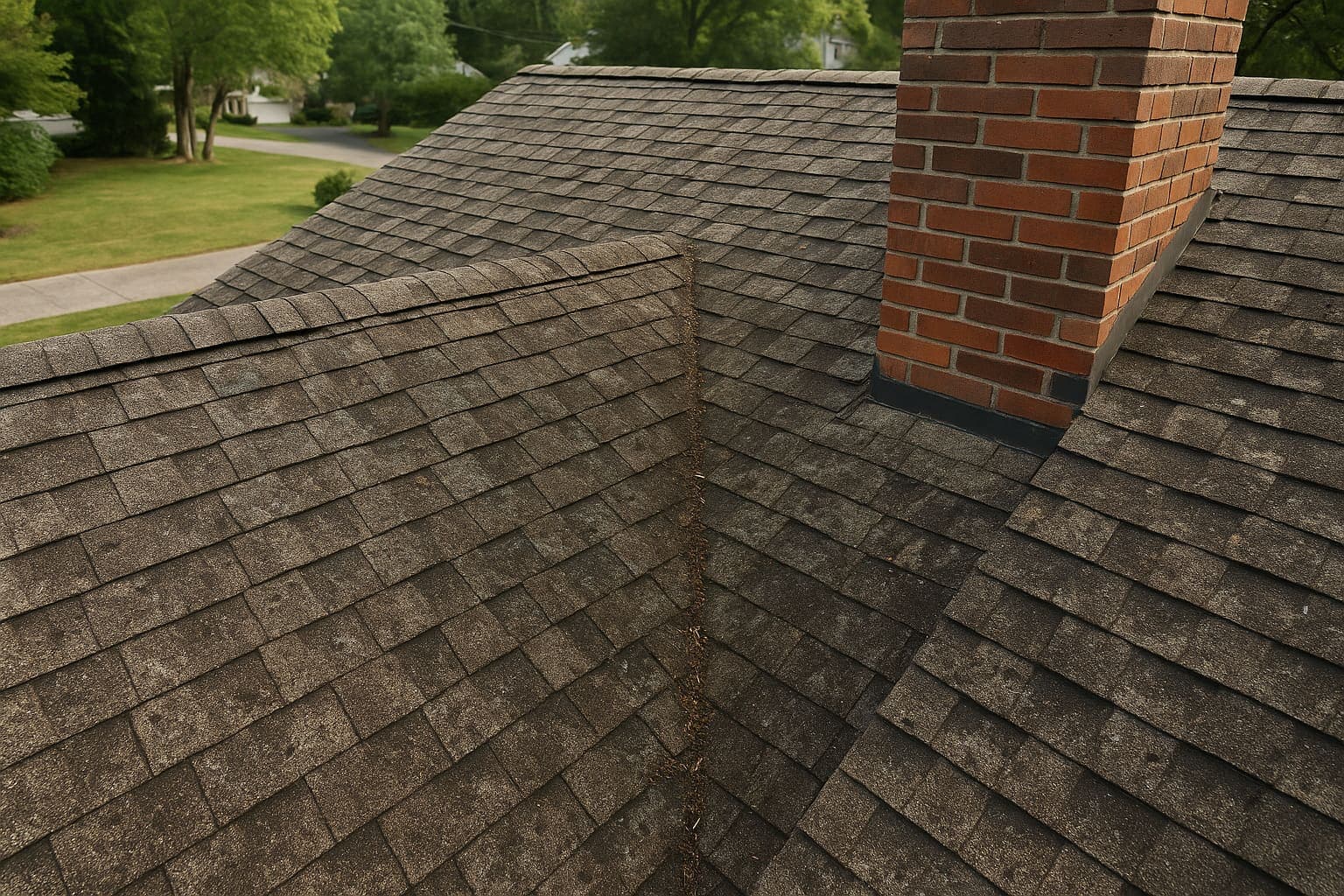 BEFOREVALLEY
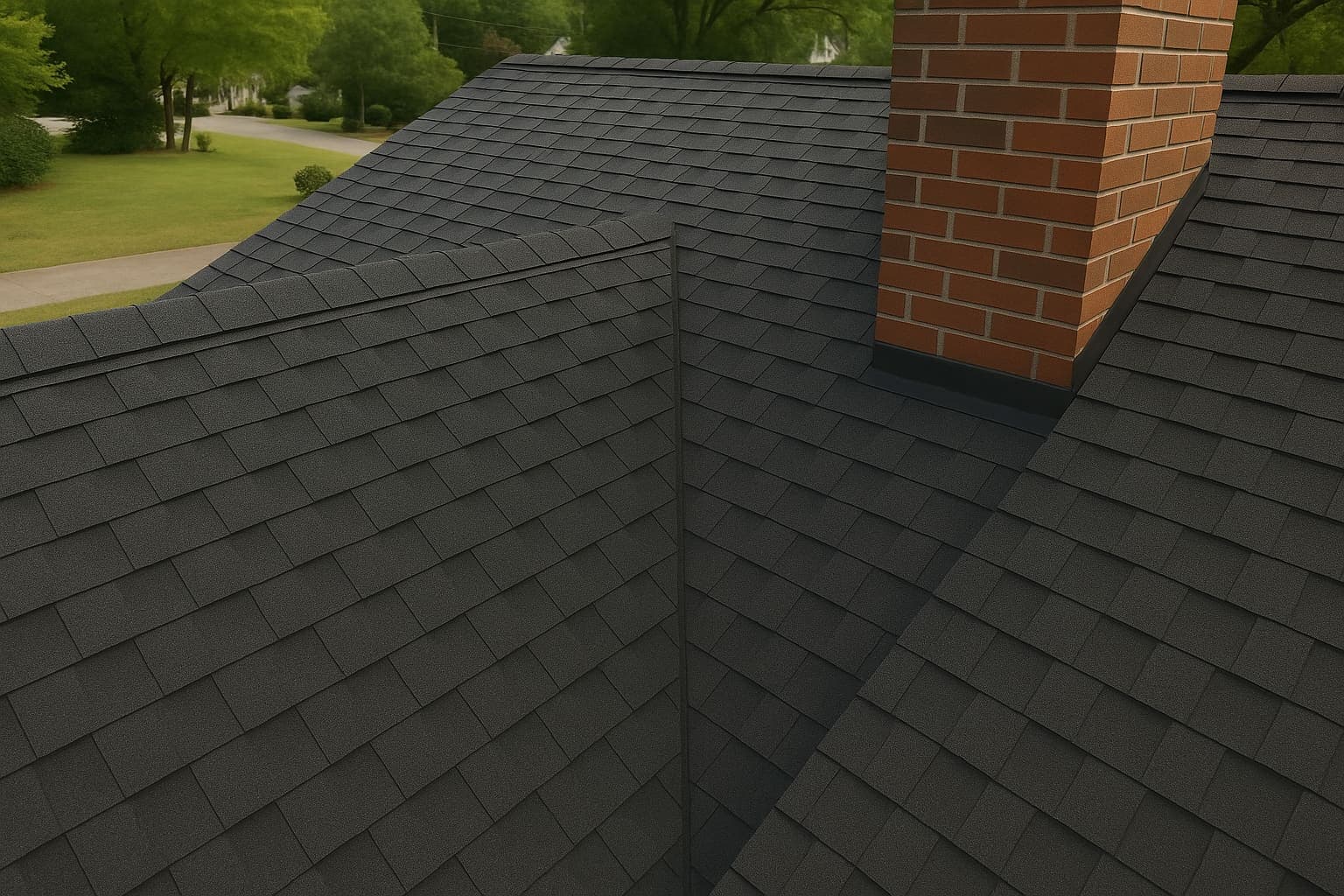 AFTERVALLEY
Free for everyone who shoots
Only the owner pays. Add unlimited subs and crew — no seats, no per-user fee. Everyone who's on the job can take photos.
No app. No login.
A text link opens the camera right in their phone browser. Nothing to install, nothing to sign into. That's the reason the photos actually get taken.
Proof, not just pictures
Every shot is stamped with GPS and time. One tap makes a shareable report you can hand to an insurance adjuster or use to settle a dispute.
You need photo proof. The photos never get taken.
Every contractor needs job-site photos — for insurance claims above all, and for disputes and marketing too. But the proof only exists if someone shoots it.
The big tool charges per seat with a 3-user minimum. So owners won't buy logins for 1099 subs and part-time crew. Those shooters never get access — and the photos never get taken.
Fieldtics removes the seat wall. Every shooter is free, so the whole crew can capture proof from day one.
Three steps to proof
Create a job, text the link, get the report. That's the whole flow.
Create a job
Give it a name and an address. Takes a few seconds — that's the whole setup.
Text the link
Send the job link to any crew member. They tap it, the camera opens, and they shoot before and after. No app, no login.
Get the report
Every stamped photo rolls up into one job. Save the proof PDF or share it in a tap for a claim or a dispute.
Why the whole crew ends up shooting
Get your crew shooting — free.
Text a link, and every sub and crew member can capture GPS- and time-stamped proof. Only you pay.
Start freeUnlimited shooters. No app. No per-seat fee.